“Are we ready for AI?” often turns into a server, software or data question. The network appears later—usually when a pilot reaches more users, a cloud service behaves inconsistently or security discovers that sensitive information is travelling in unexpected ways.
An AI-ready business does not necessarily need extreme internet bandwidth. A text assistant may exchange modest amounts of data, while video analysis, large model transfers or distributed training can move far more. The useful question is not “How much bandwidth does AI need?” It is “Which AI workloads will we run, where will they run, and how must data reach them?”
That workload-first approach reveals requirements that headline speed alone cannot solve.
1. Map the AI traffic before upgrading anything
Start with a simple flow map for each use case:
- Where is the user, device or data source?
- Is inference performed in a public cloud, private cloud, data centre or on site?
- What data is uploaded and what result returns?
- Is traffic continuous, bursty or scheduled?
- Which third parties and network endpoints are involved?
- What happens if the connection is slow or unavailable?
A browser-based writing assistant, an AI-enabled contact centre and computer vision across many cameras create different patterns. The first may care mostly about reliable interactive sessions. Voice needs consistent real-time performance. Video analytics may be designed to process locally and send only events, or to transfer sustained streams to another location.
Measure pilot traffic rather than multiplying vendor maximums by the number of users. Include normal peaks, software updates, model downloads, backups and other business applications competing for the same link.
2. Latency, loss and consistency can matter more than raw speed
A fast link can still feel slow if packets take an indirect route, are lost or encounter congestion. Interactive AI applications often involve a chain of dependencies: user to office Wi-Fi, office to provider, provider to cloud edge, and then the application’s own infrastructure.
Separate network delay from application processing time. Monitor round-trip latency, loss, jitter and DNS performance to relevant destinations. If a problem appears only with one platform, more access bandwidth may not change it.
3. Upload capacity deserves equal attention
Traditional office planning often focused on downloads. AI can increase uploads through document retrieval, media creation, sensor feeds, call recordings and movement of datasets to cloud services.
Look at direction as well as volume. If teams synchronise large files while customer calls are active, upload congestion can affect both. Traffic prioritisation, scheduling and appropriate access capacity may provide a better result than a blanket upgrade.
For each use case, record average and peak upload, average and peak download, session count and acceptable delay. Revisit the figures after adoption; pilot behaviour rarely captures the full production pattern.
4. The LAN and Wi-Fi must keep up
The internet service is only one segment. Older switching, low-capacity uplinks, congested wireless channels or poor access-point placement can become the real bottleneck.
Wi-Fi 7 adds capabilities including 320 MHz channels in the 6 GHz band, multi-link operation and 4K QAM, intended to improve throughput, reliability and efficiency in supported environments.1 That does not mean every AI project requires an immediate Wi-Fi 7 refresh. Benefits depend on compatible clients, spectrum settings, cabling, switching, radio design and the physical environment.
Use a wireless survey and measured client experience. Check access-point density, channel use, roaming, interference, Power over Ethernet budgets and wired uplinks. In warehouses, clinics and manufacturing sites, coverage and device behaviour may matter more than peak laboratory throughput.
5. Security starts with data paths
AI can blur familiar boundaries. Staff may paste information into a hosted assistant; an application may retrieve documents from internal repositories; an agent may take actions through APIs. Network controls should support the organisation’s data and identity policy rather than act as the only defence.
A practical review should cover:
- approved AI services and their network destinations;
- user and device identity, including service accounts;
- segmentation for sensors, cameras and edge appliances;
- encryption in transit and certificate management;
- egress controls and secure web or cloud access policies;
- logging that links network events to identities and applications;
- vendor remote access and update mechanisms; and
- response procedures for compromised credentials or integrations.
Avoid a flat “AI network”. Segment by trust and operational function. A camera, staff laptop, model server and building-control device should not gain the same reach merely because each participates in an AI workflow.
6. Resilience must follow the business consequence
An AI feature that drafts internal notes may tolerate an outage. An AI component supporting live customer service, logistics or safety-related review may need a clear fallback.
Classify each workload:
| Business impact | Network response to consider |
|---|---|
| Low; work can wait | Document manual retry and support process |
| Moderate; productivity affected | Monitor service, prioritise traffic and provide alternate workflows |
| High; operations or revenue affected | Assess diverse connectivity, redundant edge equipment and tested failover |
| Safety or regulated process involved | Obtain specialist assurance and preserve human/manual controls |
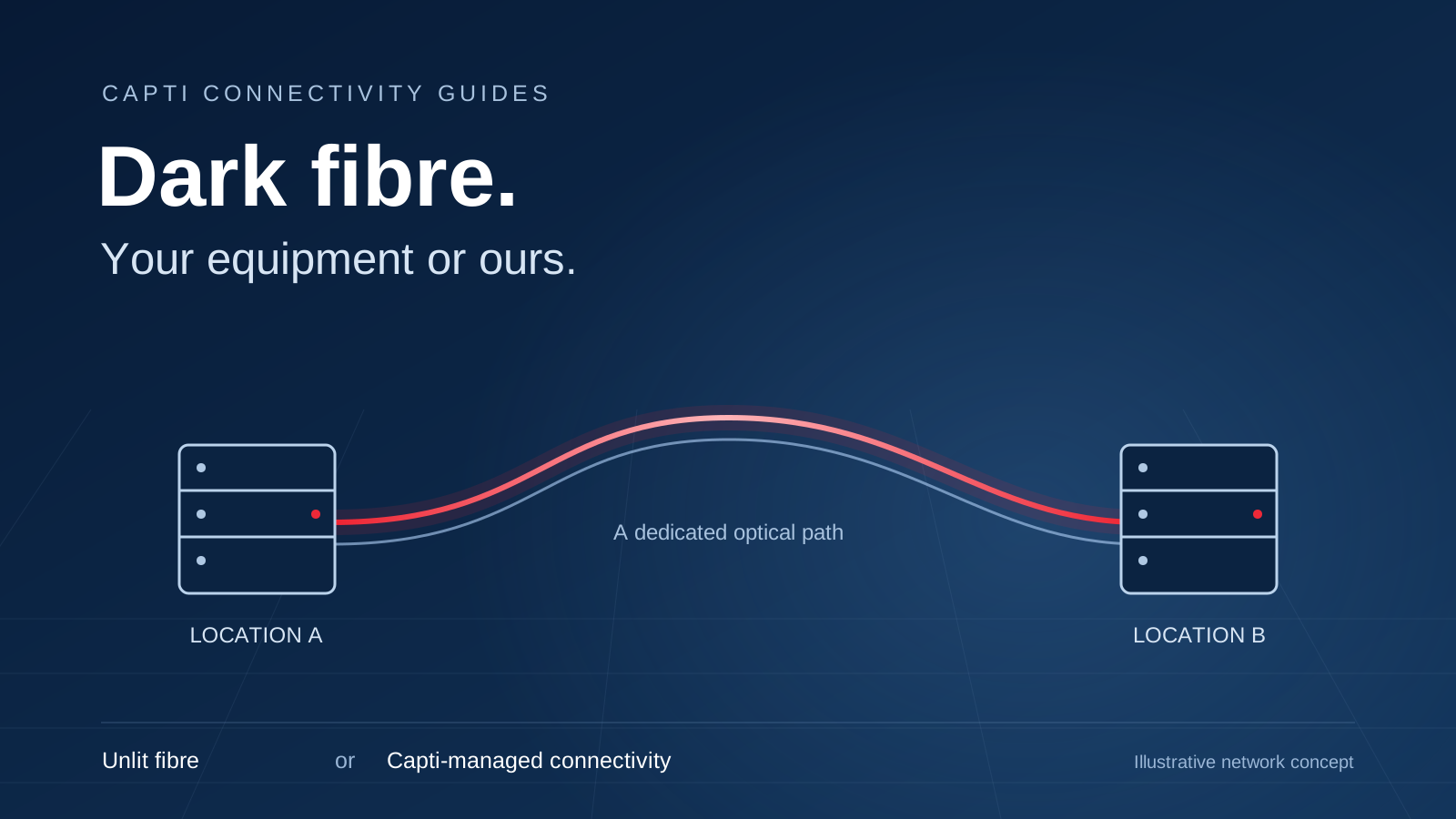
A second circuit is useful only if it avoids the failures that matter. Check physical path, provider, upstream, equipment and power dependencies. Then test failover with the real application. Sessions, VPNs and allowlists may behave differently on the alternative connection.
7. Make performance visible
Keep a baseline for the applications people actually use: response times, failed requests, network delay and upload demand during busy periods. Correlate those measurements with changes to Wi-Fi, firewalls, cloud destinations and the application itself. This helps the team distinguish an access problem from a slow model response or a third-party outage.
Agree who owns each layer, which alerts matter and how incidents move between teams or suppliers. A useful monitoring plan connects a symptom to an owner and a next action.
8. Design for change without overbuilding
AI services, model sizes and usage patterns will change. Readiness comes from adaptable design: modular edge equipment, spare switch capacity, structured cabling, documented addressing, controlled configuration and commercial options that allow growth.
Avoid forecasting bandwidth from enthusiasm alone. Set thresholds for upgrades—for example sustained utilisation, measured queueing or a planned media workload—and review them quarterly during adoption. This connects spending to evidence.
Our business connectivity portfolio includes fibre, fixed wireless, cloud connectivity and private IP networking.2 Those options can support different architectures, but product selection should follow discovery, not precede it.
An AI-ready network review checklist
- List production and proposed AI use cases.
- Draw users, devices, data stores, processing locations and dependencies.
- Measure traffic and user experience during representative peaks.
- Check upload, latency, loss and route quality—not only download speed.
- Survey LAN, switching and Wi-Fi constraints.
- Align segmentation, identity, egress and logging with data policy.
- Define application-specific fallback and recovery objectives.
- Test connectivity failover and manual business processes.
- Assign monitoring and escalation ownership.
- Set evidence-based upgrade triggers.
Make the network part of the AI plan
The hidden requirement is not one magic link speed. It is coordination between applications, data, security, cloud and connectivity. Businesses that map those dependencies early can scale useful AI without buying capacity blindly or discovering fragile paths in production.
Talk to Capti about a site-specific connectivity review for your AI roadmap.2 Bring your use cases, locations, cloud destinations and continuity priorities; that is the right starting point for an architecture that can grow with the business.
For more detail, read about designing diverse fibre and wireless connections. Explore business fibre options for your location.