
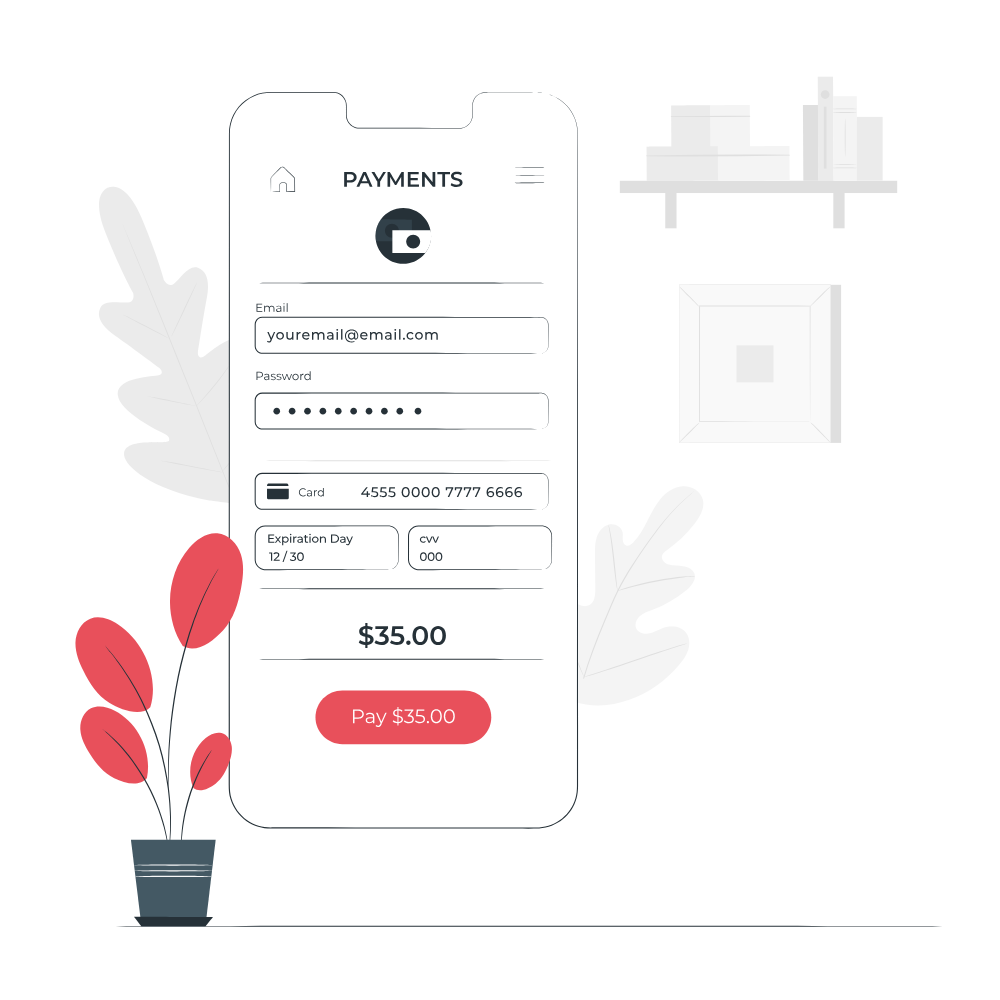
Set Up Direct Debit from Your Credit Card:
By following these steps, you can securely set up direct debit from your credit card using the Customer Portal and Stripe payment gateway. It ensures a convenient and automated payment method for your Capti services.
Log into the Customer Portal:
- Open your web browser and visit the website: https://myaccount.capti.com.au
- Enter your login credentials, including your username and password, to access your account.
Navigate to the Finance Section:
- Once logged in, locate the left-hand menu on the Customer Portal interface.
- Look for a money icon or a section labeled "Finance."
- A dropdown menu will appear. Look for the option labeled "Stripe Payment Credentials."
- Click on it to proceed.
- The system will load the Stripe payment gateway securely, you will see a message " Loading add-on Splynx Stripe Add-On...". This ensures the security and privacy of your payment information.
Enter Your Credit Card Details:
- You will see the option to set up direct debit from your credit card.
- Look for fields labeled "Saved Card," "Cardholder Name" (optional), "Card Number," "Exp to" (expiration date).
Enter the required information as follows:
- Saved Card: If you have a saved card, select it from the dropdown menu.
- Cardholder Name: Optionally, enter the cardholder's name (if applicable).
- Card Number: Enter your credit card number. For security reasons, only the last four digits of the card number may be visible.
- Exp to: Enter the expiration date of your credit card.
- Save and Update the Information:
- After entering the credit card details, click on the "Save" or "Update" button to store the information securely.
- This will allow for future direct debit transactions from your credit card.