
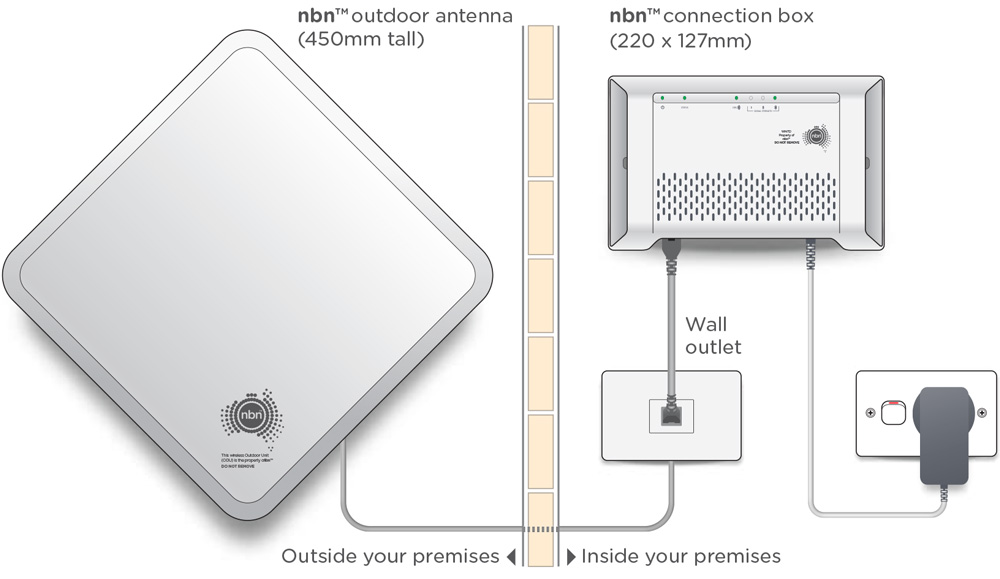
Here are a few important things to consider before your nbn® Fixed Wireless connection is installed. Our pre-appointment checklist covers key details to help make your appointment quick and easy.
WiFi Router
To get started, you'll need a WiFi router for your Fixed Wireless connection. If you already own one, refer to the device manual or contact our support team to confirm the following:
- Your router should be ‘unlocked.’ Some internet service providers lock their devices to prevent them from being used with other providers. If your router is from a previous provider, reach out to them to ensure it's unlocked.
- The router must have a WAN port. If you’ve purchased one of our routers (or modems), rest assured that it’s fully unlocked and compatible with your service.
Appointment
An adult (18+) must be present during your appointment time, so keep this in mind when booking your technician visit.
VoIP Phone
If you're planning to use a home phone (VoIP service), ensure your equipment meets the following requirements:
- The device should be ‘unlocked’ – as explained in the WiFi Router section. Check with your previous provider to confirm compatibility with our VoIP and internet services.
- Your modem must have a port labeled for phone use, usually marked with a phone symbol or labeled "PHONE."
- The handset should be VoIP-compatible. If you're unsure, our support team can assist, or you can check your phone's manual.
If your current hardware doesn’t meet these requirements, a VoIP adapter can add the necessary functionality, allowing older analogue handsets to work on our network.
Renting
If you rent, ensure you have permission from the property owner or manager before installation. The nbn® technician may need to make modifications to the building, depending on the work required.
Device Compatibility & Registration
If you use a fax machine, EFTPOS, HICAPS terminal, or have medical/security alarms, check with the manufacturer to confirm they are compatible and if registration with NBN is necessary. You can register these devices online [here].